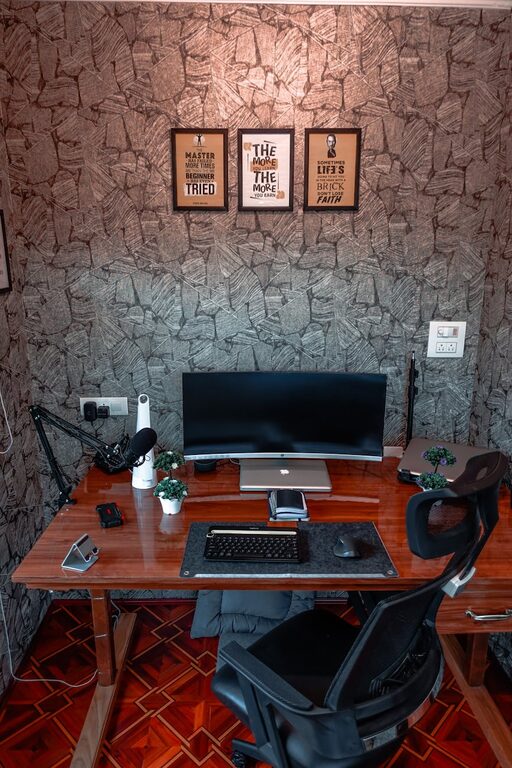
Creating a cozy and functional home workspace is essential for staying productive and comfortable throughout your workday. Whether you work from home full-time or occasionally need a dedicated area for tasks, combining comfort with efficiency can improve focus and reduce stress. Here are some helpful tips to design a space that suits your needs and makes working from home a pleasant experience.
Choose the Right Location
Selecting the right spot for your workspace is the first step toward creating a productive environment.
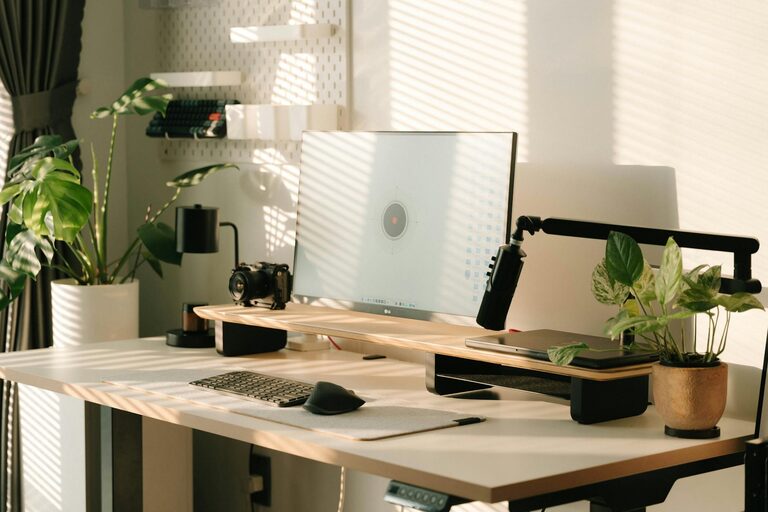
– Consider natural light: Position your desk near a window if possible. Natural light can boost mood and energy, making you feel more alert.
– Minimize distractions: Choose a quiet corner or room where interruptions are limited.
– Space availability: Make sure there’s enough room for your desk, chair, and any additional equipment you need.
Invest in Ergonomic Furniture
Comfort is key when spending long hours at your desk, so ergonomic furniture can prevent discomfort and injury.
– Ergonomic chair: Choose a chair with good lumbar support, adjustable height, and cushioned seating.
– Desk height: Pick a desk that allows your elbows to rest comfortably at a 90-degree angle.
– Footrest: If your feet don’t comfortably reach the floor, consider a footrest to improve posture.
Organize for Efficiency
A clutter-free workspace helps maintain focus and reduces stress.
Declutter Regularly
Keep only essentials on your desk to prevent distractions. Put away items you don’t use daily.
Use Storage Solutions
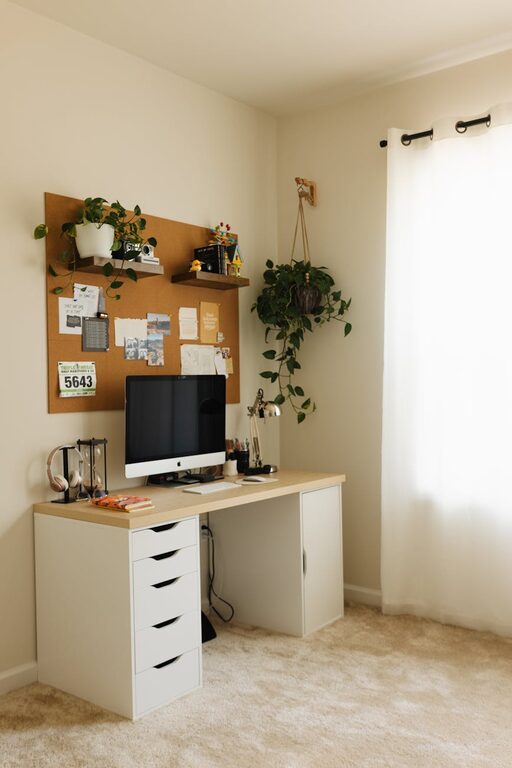
– Shelves and cabinets: Store books, files, and supplies neatly to keep your desk clear.
– Desk organizers: Use trays, pen holders, and drawer dividers to keep small items in order.
Cable Management
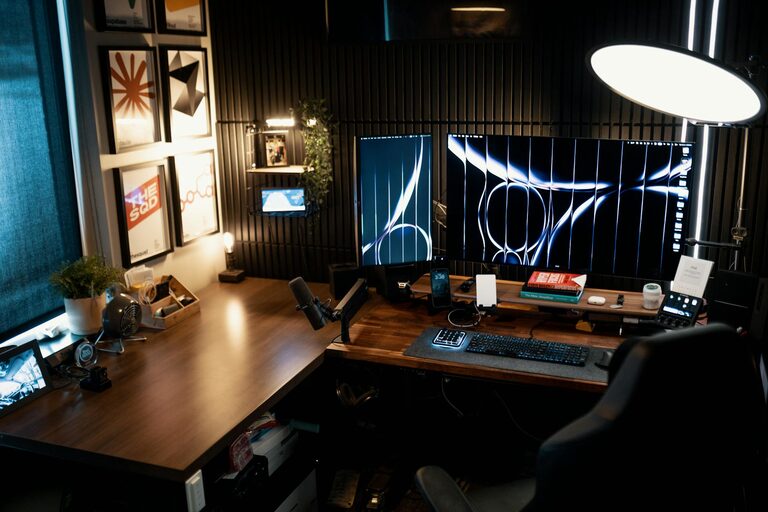
Use clips, ties, or under-desk trays to keep cords tidy and avoid tangling.
Add Personal and Cozy Touches
Personalizing your workspace can make it a more inviting place to be.
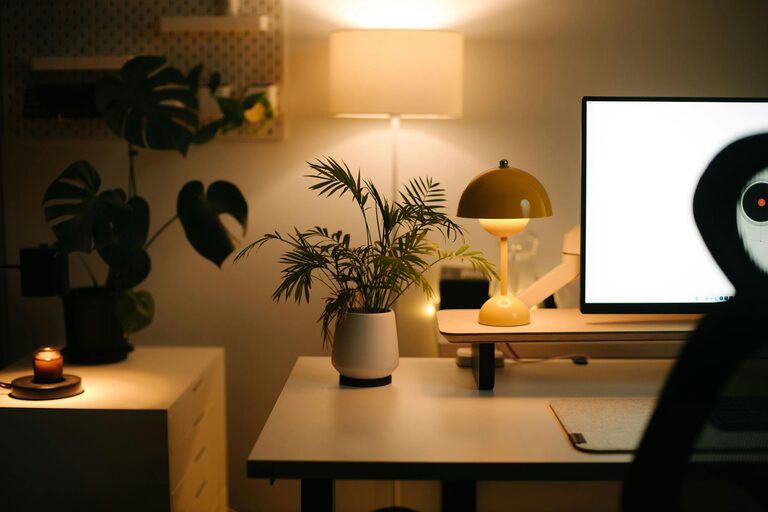
– Plants: Adding greenery can boost mood and air quality.
– Soft textiles: Consider a comfortable chair cushion, a cozy blanket, or a small rug.
– Lighting: Use a desk lamp with warm light to create a relaxing atmosphere in the evenings.
Technology Setup
Ensure your technology supports your productivity without causing frustration.
– Reliable internet: A strong and stable connection helps avoid interruptions.
– Monitor placement: Position your screen at eye level to reduce neck strain.
– Accessories: Invest in a good keyboard, mouse, and headset if needed.
Set Boundaries for Work and Relaxation
Keeping your workspace separate from relaxation areas can help maintain a healthy work-life balance.
– Define the space: Use room dividers or rugs to visually separate your workspace.
– Dedicated work hours: Establish a routine to begin and end your workday in the space.
Maintain Cleanliness
Regular cleaning keeps your workspace pleasant and hygienic.
– Dust surfaces and equipment weekly.
– Clean your computer screen and keyboard regularly to prevent buildup.
Final Thoughts
Creating a cozy and functional home workspace doesn’t require a large space or expensive furniture. By focusing on comfort, organization, and personal touches, you can design an area that supports your productivity and well-being. Start small, adjust as you go, and enjoy your new work-from-home setup!